Controls and Accessibility in Trust Your Gut
Configure mouse-only play, Camera Comfort, untimed inputs, and Save Anytime before your first serious Campaign day.
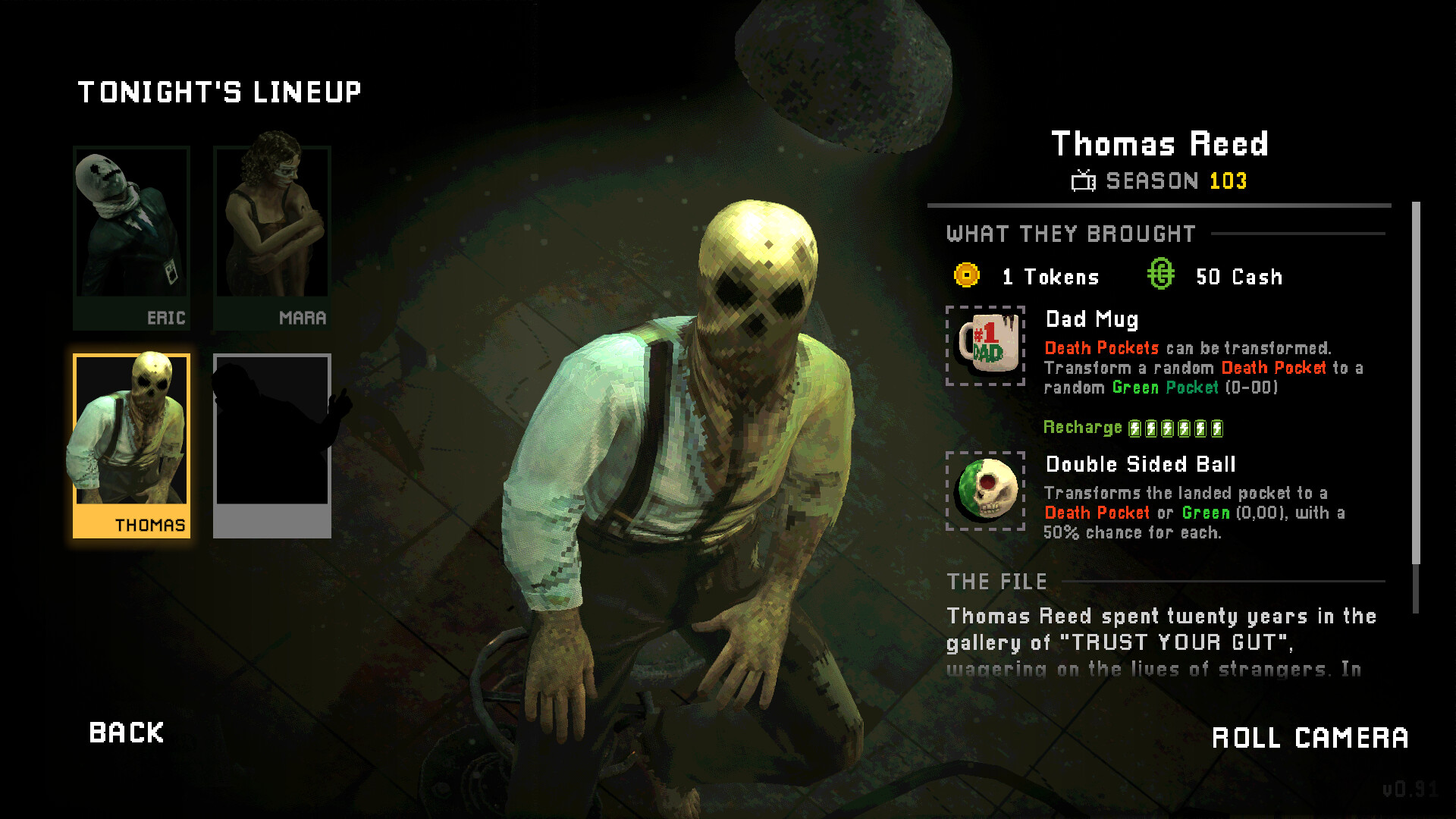
Trust Your Gut is a thinking game dressed as a dieselpunk game show. The multi-ball roulette table, Host monologues, Offer text, and Market shelves all ask you to read carefully under pressure. Before you grind Getting Started targets or dig into How to Play, spend ten minutes in the options menu. Comfort settings are not cosmetic — they decide whether you can evaluate a five-ball spin without fighting the camera, the clock, or an uncomfortable input scheme.
This page covers the comfort and accessibility features called out on the Steam store, how they change the feel of a run, and a practical first-session setup for Windows and Linux players. For hardware floors and recommended GPUs, jump to System Requirements. For character openers after your UI feels right, browse the Players hub.
What the store promises for comfort
Official feature tags and store copy highlight several player-first options:
- Camera Comfort — reduce motion or framing that can make table pans and Host cuts harder to watch for long sessions.
- Mouse Only Option — play the show without needing a gamepad or keyboard-heavy workflow if that is how you prefer to click bets and confirm Offers.
- Playable without Timed Input — remove or relax timer pressure so you can parse multi-ball results, Offer rewrites, and Market prices at your own pace.
- Save Anytime — checkpoint when you need a break mid-day or mid-Offer decision, not only at forced chapter gates.
- Steam Cloud — carry saves across machines on the same Steam account when Cloud is enabled.
- Family Sharing — share the library copy under Valve’s Family Sharing rules (see the store page and Steam settings for household details).
None of these replace bankroll skill. They remove friction so skill can show up. If you are wiping because the UI feels hostile, fix comfort first, then revisit Betting Strategy.
Recommended first-boot checklist
- Launch once, quit to desktop options habits. Open the in-game menu and locate graphics, audio, camera, and accessibility sections before Day 1 cash targets matter.
- Enable Camera Comfort if pans, zooms, or Host cutaways feel sharp. Long Campaign arcs (10 days) and Endless sessions punish motion fatigue more than a single demo spin.
- Try Mouse Only if you already live on a desk mouse for strategy games. Confirm you can highlight outside bets, adjust stake within Bet Limits, open the Market, and accept or decline Offers without hunting for unbound keys.
- Turn on untimed / no timed-input play while learning. Multi-ball evaluation is the skill ceiling; a countdown does not teach payout math faster — it just raises blood pressure. Re-enable timers later if you want show energy.
- Verify Save Anytime works on your build: save after a clean early finish, quit, reload, and confirm tokens and mementos persisted.
- Confirm Steam Cloud on both the Steam client overlay and any in-game cloud toggle. Dual-boot Windows/Linux players should pick a primary OS for a given evening to avoid conflicting Cloud writes.
- Set UI scale / subtitle / volume so Host dialogue and Offer paragraphs stay readable against the table art.
Mouse-only play in practice
Mouse-only is ideal for Trust Your Gut’s “read, then commit” loop. You hover the wager type, check Bet Limits, glance at seated balls, then click spin. Market shopping is also click-heavy: compare memento text, ball abilities, and token cost without chorded hotkeys.
Tips that keep mouse-only runs clean:
- Slow the cursor over Offer text. Offers rewrite rules. A misclick accept is worse than a slow decline.
- Use Save Anytime before expensive Market sprees so you can reload if you bought three souvenirs that fight your thesis.
- Keep the Build Checklist habit even when inputs feel effortless — comfort does not fix anti-synergy.
Gamepad players can still succeed; just map confirm/cancel clearly and avoid accidental stake maxes. The store’s mouse-only path simply proves a pointing device is enough.
Camera Comfort and session length
Camera Comfort exists because the fantasy is a TV broadcast: cuts to the Host, pushes toward the wheel, reactions on a hit. That presentation sells the fantasy and can also strain players sensitive to motion. Turn Comfort on for:
- First Campaign clear while you learn systems
- Late-night Endless score attempts
- Streaming or couch sessions where the display sits closer than a desk monitor
If Comfort softens spectacle more than you like, toggle it per mood. The mechanical rules of balls and mementos do not change — only how the show is framed.
Untimed input vs show pressure
Playing without timed input is the single best learner setting. Trust Your Gut asks you to:
- Read the Host’s daily cash target
- Choose coherent outside (or supported inside) lines
- Predict how multiple balls combine
- Decide whether finishing early for +2 tokens per remaining round beats burning every spin for cash
- Parse Offer and Showdown text before the board mutates
A timer turns every one of those into a rush. Leave untimed on through your first Campaign Walkthrough clear. When Day 10 feels readable, experiment with timed flair if you miss the broadcast tension.
Save Anytime, Cloud, and discipline
Save Anytime is permission to think — not a license to scum every spin. Healthy uses:
- Pause after hitting a target early so you can plan the Market with a clear head
- Snapshot before a scary Offer when you are unsure whether the rewrite helps your red/black engine
- Stop mid-Showdown prep if real life interrupts
Risky uses:
- Reloading every cold wheel until RNG bows
- Undoing a miss that should have taught Bet Limit humility
Steam Cloud backs up legitimate progress across PCs. It will not invent better decision-making. Pair Cloud with Family Sharing awareness if multiple people in a household rotate the same library copy — coordinate who is mid-Campaign so Cloud does not thrash.
Platforms and input expectations
Trust Your Gut launches as single-player on Steam for Windows and Linux. There is no shared multiplayer table and no console-only control scheme to memorize. That keeps the accessibility story simple: get a stable framerate (see System Requirements), pick mouse or gamepad, enable Comfort and untimed play, and focus on builds.
Steam Deck users should verify the live Deck status on the store page for app 4066520, then apply the same comfort toggles on handheld. Linux-native builds help Deck prospects, but always confirm controls and UI scale on the device you actually own.
Accessibility beyond the feature tags
Even when a toggle is not named on the store capsule, good hygiene helps:
- Lower music relative to voice if Host lines explain targets
- Brighten UI if dieselpunk lighting swallows bet chips
- Take breaks between days — Campaign is 10 days, not a single sitting requirement
- Keep notes of your bet thesis (“red factory,” “black bounce”) so fatigue does not erase your plan
Character choice also interacts with comfort. Eric Matthews and his Health Insurance starter (+1 extra round on the first missed target) reduce wipe anxiety while you practice calm betting. Details live on the Eric Matthews page and the broader Players hub.
Common control mistakes
- Skipping options entirely and blaming the game when motion or timers cause misreads
- Maxing stakes with a twitchy bind because confirm and raise share awkward proximity on a pad
- Accepting Offers on impulse in timed mode without reading payout changes
- Forgetting Save Anytime before a long Market session, then losing a coherent tray to a crash or power blip
- Fighting Cloud conflicts by alt-playing Windows and Linux on the same evening without letting Cloud settle
Where to go next
Once inputs feel invisible, return to content:
- Getting Started — Day 1 loop with Eric
- How to Play — full systems dump
- Offers & Market — token shopping and rule rewrites
- Common Mistakes — wipe patterns comfort cannot fix alone
- System Requirements — Windows/Linux min and rec specs
Trust Your Gut rewards players who treat the options menu as part of the build. Camera Comfort, mouse-only play, untimed decisions, and Save Anytime exist so you can trust your gut — not your reflexes — when the Host smiles and the balls leave the rim.
Frequently Asked Questions
Quick answers for Campaign nights and Endless runs.
Does Trust Your Gut support mouse-only play?
Yes. The Steam feature list includes a Mouse Only Option so you can navigate bets, Markets, and Offers with a pointing device.
What is Camera Comfort?
Camera Comfort softens broadcast-style motion and framing so long Campaign or Endless sessions are easier to watch without changing mechanical rules.
Can I play without timed input?
Yes. Playable without Timed Input lets you evaluate multi-ball results, Offers, and Market prices at your own pace — ideal while learning.
Does Save Anytime work with Steam Cloud?
Save Anytime lets you checkpoint mid-run; enable Steam Cloud in the client so those saves sync across your PCs on the same account.